
In this article, we will be discussing the advantages of replacing spreadsheets with a proper business management system. We will discuss why small startups and businesses prefer spreadsheets over paid business management software. So, when a company starts, the CEO might want to keep a record of the employees’ information. He would also want to track employee salaries and leave taken. Initially, for convenience, he prefers using Excel Sheets or Google Spreadsheets because they are easy to use and easy to share, but as the number of employees and the records increase, it becomes very difficult for him to manage all the records at once
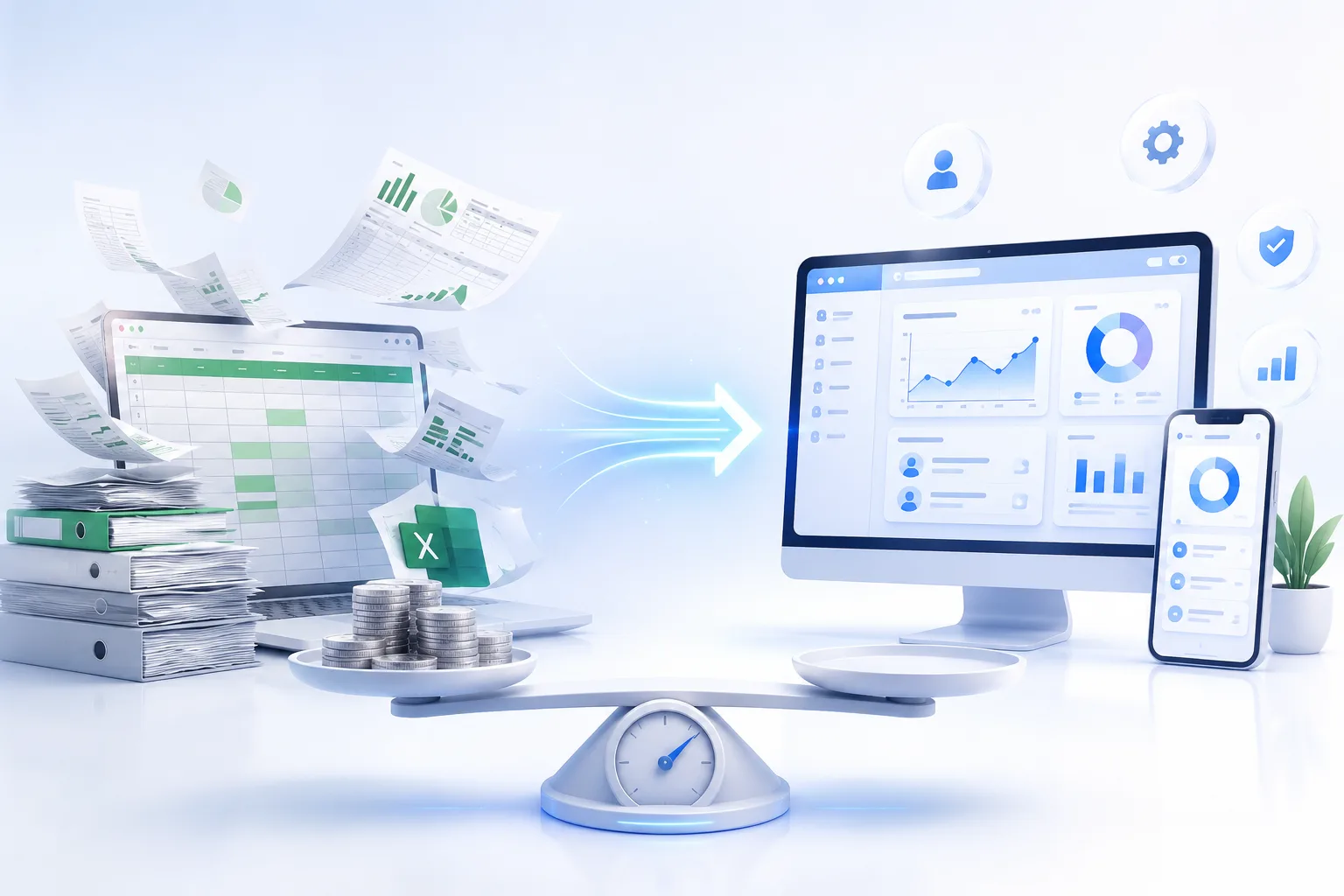
Why do spreadsheets stop working as you grow?
Most of the startups and the new businesses start with a spreadsheet instead of a business management system because the spreadsheet costs actually nothing Their setup is really fast. In the early days, the business owner can track orders, inventory, invoices, and customers. As the count of all these increases, the chances of error in a spreadsheet increase as well. Most companies start feeling it. Some of the problems that they face are as follows:
Errors and duplicate data: When the file is copied or emailed multiple times, a new version of it is created, which confuses. Manual entry is not helpful at all because two different people working on two versions of the same data can make mistakes
Risk in security and scaling: When the Excel files and spreadsheets grow in size, they slow down, and buffering starts to happen while opening the spreadsheet. Any logic that the Excel files contain, which was created by a person, might cause a business risk when that particular person leaves the company. Also, when the Excel files contain sensitive data, emailing it to multiple people can cause a security threat or data leakage
Even though there are risks associated with using spreadsheets over business management software for a start-up or an initial business, spreadsheets are not that bad, actually.
So what is the hidden cost of staying on spreadsheets?
When businesses try to compare the cost of business management software with a spreadsheet, which is free, they are basically comparing a value against zero. But the real price comes somewhere else when multiple versions of data that are present in multiple spreadsheets start to appear, and the business operators start to see the errors in those versions. Then they start seeing real value in actual business management software. They will start to see:
Time that was lost in manual work: A value that has to be changed in the same data that has multiple versions across multiple PCs with different employees. Every time an employee needs to change a value, after changing it, he will have to approach other employees who have the same data to get it changed across different versions so that they can tally the data later. This is time taking and inefficient.
Mistakes are costly and time-wasting: It is very common for an employee to make mistakes while editing a spreadsheet, and those small mistakes can cause a lot of loss in the future because data helps in making business decisions, and when the data itself is incorrect, the decisions will be flawed.
Dependency on key individuals: When a company is totally dependent on key individuals who handle spreadsheets, those key individuals know how to properly work on an Excel sheet, what a particular functionality does, what not to touch, and which macro needs to be run in a particular unit time. And if that key individual resigns or takes leave, handling spreadsheets becomes a headache.
So how much does a business management System/software costs?
Once you are aware of the trade-offs of using a spreadsheet over a real business management system, the next question that will come to mind is: how much will a real business management software cost per month?
A proper and efficient business management software must have these capabilities:
- Sales management
- Inventory management
- accounting
- Purchasing and billing
- Reporting
The costs related to such software come in two forms:
A subscription (for a cloud SaaS-based product): You pay subscription fees on a monthly or annual basis. Costs are not that much; most of these cloud-based products charge nothing for the first month. The product is given to the user on a trial basis, and as the users and the data keep on increasing, the charges increase.
Perpetual license: You pay larger fees per year, or in some cases you pay a one-time fee, and you own the software afterwards for your usage. But for support or an upgrade, fees need to be paid. You will also lead an IT staff to look after everything
Customization and integration: A system or software that fits a business perfectly does not exist, so when you need something to be integrated into your software, and you want it customized, you will have to pay again. Then you will need to hire a Software developer to do the required customization.
So whether you want to pay a one-time fee for a perpetual license or you want to subscribe to a cloud-based SaaS product, that totally depends on your business needs. Usually, you get a perpetual license for software that resides on your PC, which is desktop-based software, whereas a cloud-based product is cloud-hosted, and it can upgrade itself, and it doesn’t need to be installed or configured.
Conclusion
Replacing a spreadsheet with actual business management software is not a small decision, and it is not cheap either. The license or subscription of a software is just the beginning. The implementation, customization, data migration, and training of a business app cost money. So both have their pros and cons. In the case of spreadsheets, a lot of time is lost in editing, revising, and tallying the data. So the right question would be: can we afford business management software? As most business management software has data migration functionality, a business can initially use a spreadsheet. That is not a problem, but after a specific data and user count, proper business management software is a must.